
Stay organized
Keep websites, notes, tools, and resources together in one place.
Create a personal start page for the websites, tools, and resources you use every day. Get organized, stay focused, and get more done.
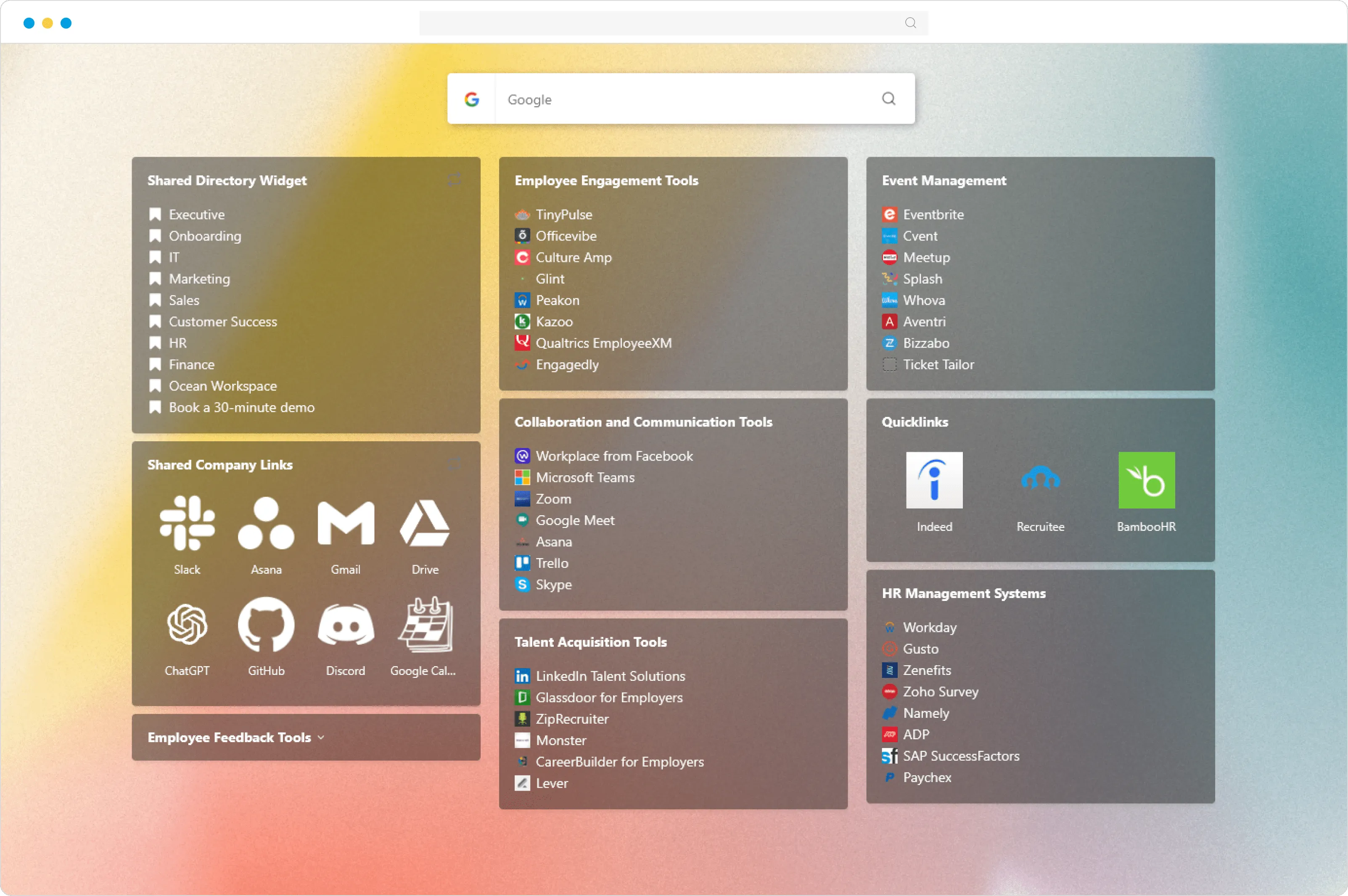
Create a personal home for your websites, tools, notes, and resources. Stay organized, save time, and always know where to find what you need.
Keep websites, notes, tools, and resources together in one place.
No more searching. Keep your important websites, tools, and resources just one click away.
Reduce distractions and context switching by keeping everything you need within reach.
Know that your important links are saved and always easy to find.
Create a personal start page, add your favorite websites and tools, and keep everything one click away. Your start page is hosted online and available from anywhere.
Sign up for free and build your first start page in minutes.
Add your favorite websites, news feeds, notes, and widgets.
Keep your page private or share it with your team, students, or the internet.
Make your start page your new tab by installing our browser extension.
Works across all browsers & devices






From a personal browser homepage to shared pages for teams, classrooms, and research workflows.
Homepage · New tab · Daily tools
Open the websites, feeds, and tools you use every day from one clear page.
Explore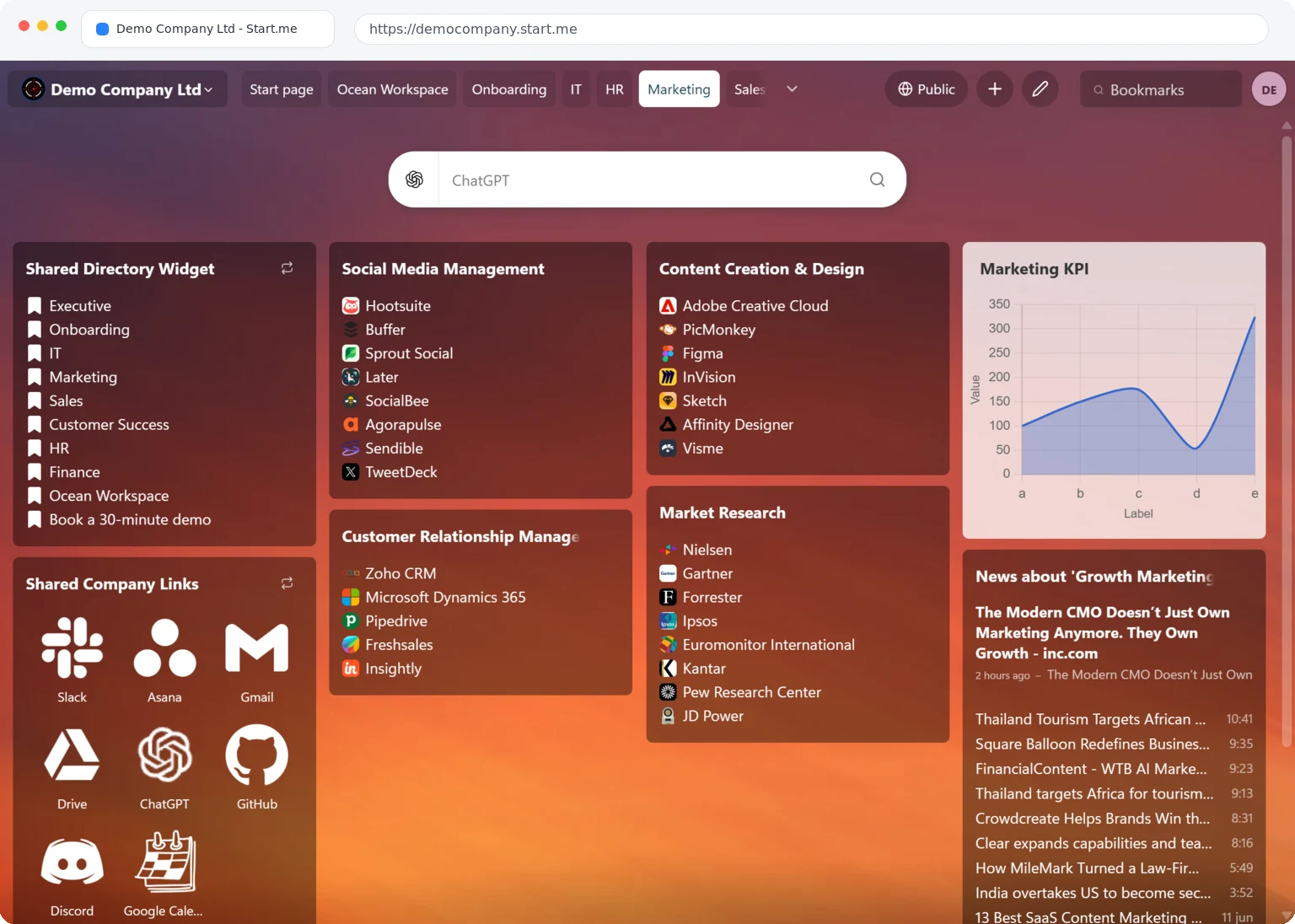
Onboarding · Intranet · Client portals
Give colleagues one place for shared tools, dashboards, documents, and links.
Explore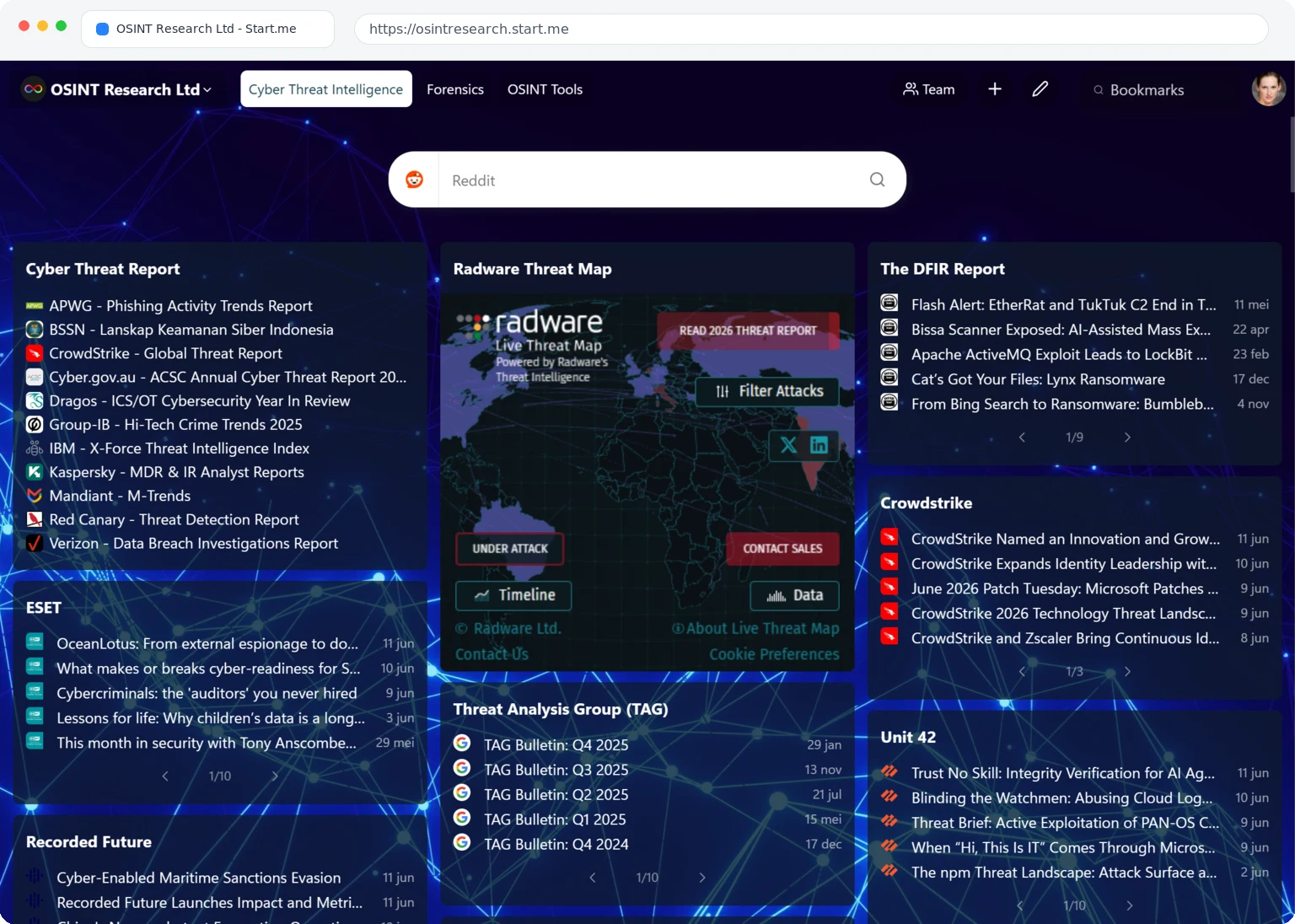
OSINT · Cybersecurity · Due diligence
Organize sources, search tools, maps, and reference links for investigations.
Explore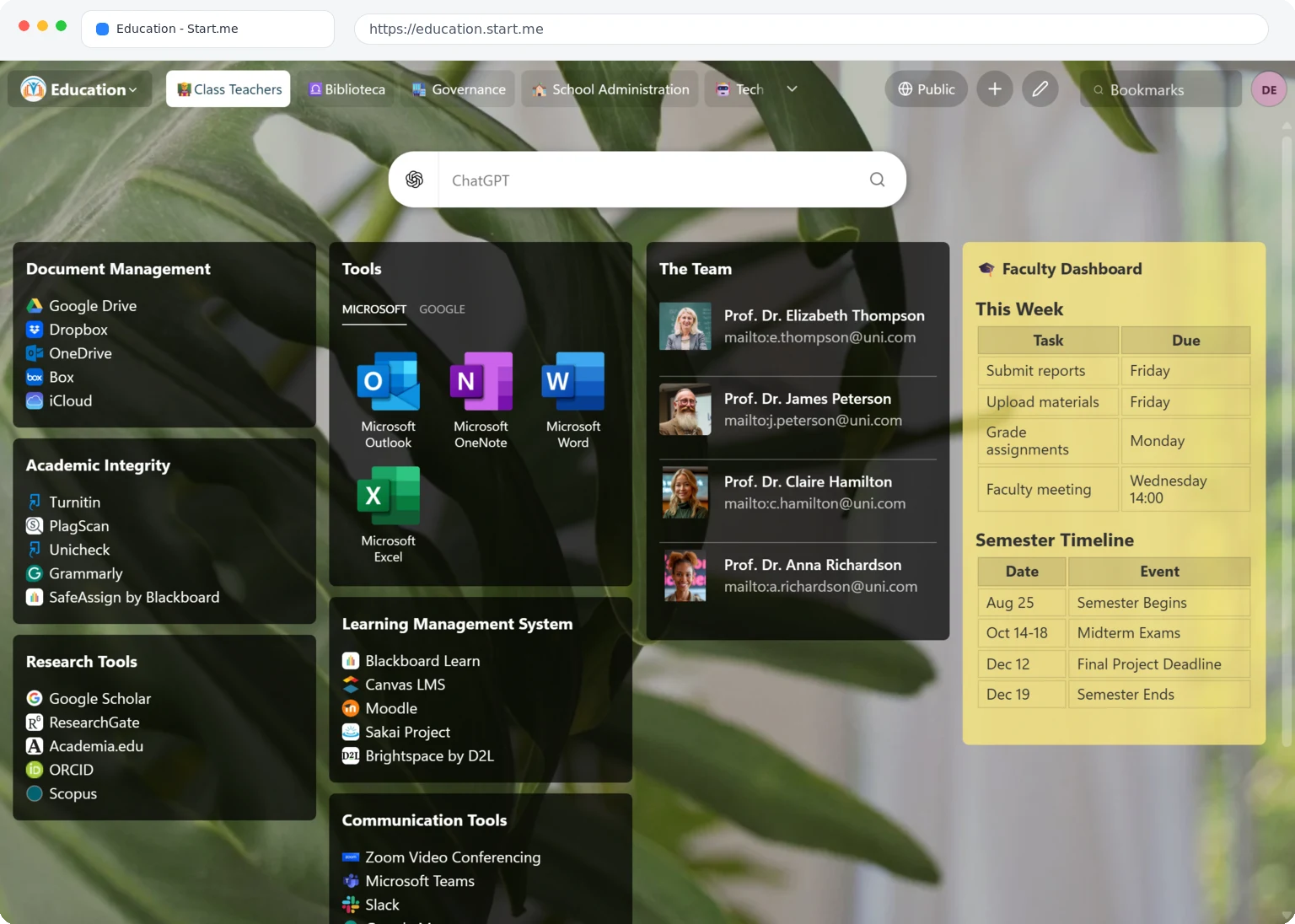
Teachers · Students · Libraries
Help teachers and students find lesson links, study tools, and research sources quickly.
Explore"Discovered Start.me through social media and got hooked! It's a visual, organized hub for my links and docs, perfect for my ADHD brain. I've already recommended it to others."

"Start.Me is my homepage on ALL of my internet browsers and provides me with a standard, familiar interface any time and anywhere with all of my bookmarks, to-dos and agendas at my fingertips."

"Every link I need, when I need it. Shareable home screens to help my team stay organized as our tools get updated."

"This extension is a game-changer for students like me with tons of bookmarks and limited space. I usually don't leave reviews, but I'm seriously impressed."

"I am obsessed with this. I am such a visual person and need to see my bookmarks visually. This helps me SO much and makes my organizational brain so happy."

Start.me is a visual start page and bookmark manager that helps you organize everything you need online in one place. Save websites, tools, RSS feeds, notes, and widgets on customizable pages that you can use as your browser homepage, new tab page, or shared resource page.
Start.me runs in the cloud, so your pages stay in sync across browsers and devices, not just inside one browser extension.
Founded in 2014, Start.me is used daily by more than 400,000 people and teams worldwide and proudly built in The Netherlands.
Most people open the same websites, tools, and resources every day. Over time, those links become scattered across bookmarks, browser tabs, documents, emails, chat messages, and memory.
Traditional bookmarks help you save links, but they are often buried in menus and tied to a single browser. Default homepages and new tab pages provide only a search box and a few shortcuts. As a result, you end up searching again, retyping URLs, or reopening the same tabs.
Start.me gives you one place for everything you use online. Save websites in a single click, organize them with groups and folders, and access them from any browser or device. Use Start.me as your homepage or new tab page so your most important links are always one click away.
Beyond bookmarks, Start.me lets you add notes, RSS feeds, widgets, and shared pages for teams. Everything stays organized, synchronized, and easy to find.
Start.me is used by more than 400,000 people and teams worldwide.
Some of the most common use cases include:
Anyone who regularly uses the same websites and tools can benefit from Start.me, whether for personal use or collaboration with others.
Yes. Start.me offers a free plan for personal use. The free plan is supported by advertisements and includes up to three start pages.
If you prefer an ad-free experience, Personal PRO removes ads and tracking while adding unlimited pages and other advanced features.
Compare all plans on our Pricing page.
Start.me offers a free plan for personal use, plus paid options when you need more.
Personal PRO is our paid plan for individuals who use Start.me every day and want more space, more control, and a cleaner experience.
With Personal PRO you get:
Personal PRO costs $25 per year. Compare personal plans on our Pricing page.
If you need a shared workspace for your team or company, see our Teams page. Schools and non-profit organizations can explore discounted plans on our education page.
By default, your Start.me pages are private. You decide if, when, and how they are shared.
You stay in control of what is private and what is shared.
Yes. Your bookmarks, notes, widgets, and page content belong to you. Start.me is designed to keep your information private, secure, and under your control.
For full details, please see our Privacy Policy.
Yes. Start.me includes optional AI features that can help organize bookmarks, improve titles, clean up notes, and suggest relevant links.
Read our Privacy Policy for more information about AI features and data handling.
The browser extension is optional. Start.me works without it, but the extension adds deeper browser integration.
With the extension you can:
The browser extension is free and available for all major browsers on our Downloads page.
Organize your websites, links, and tools in one clear overview.